.svg) Headless Content Management
Headless Content Management.svg) Real-time Data and Insights
Real-time Data and Insights.svg) Omnichannel Personalization
Omnichannel Personalization.svg) Agents & Automations
Agents & Automations.svg) Front-end Hosting
Front-end Hosting

Creating a Sitemap for NextJS Websites
Note: This page is no longer maintained, and the underlying code may be outdated or unsupported. It may be removed in a future release. To learn how to create websites, refer to the Kickstarts and Starters documentation.
Sitemaps are machine-readable files that contain information about web pages. By using sitemaps, search engines can quickly identify and track the content of your website.
This guide explains how to set up sitemaps for your SSR and SSG NextJS websites.
Prerequisites
- Contentstack account
- Node.js 14+ installed on your machine
- NextJS Starter app installed on your machine
Steps to create a sitemap
- Ensure that the NextJS starter app is running on your machine.
- Create an XML file named sitemap.xml.tsx in the contentstack-nextjs-starter-app > pages folder using the following base code:
export default function handler(req, res) { res.statusCode = 200 res.setHeader('Content-Type', 'text/xml') // Instructing the CDN to cache the file res.setHeader('Cache-control', 'stale-while-revalidate, s-maxage=3600') // generate sitemap here const xml = `<?xml version="1.0" encoding="UTF-8"?> <urlset xmlns="<a href="http://www.sitemaps.org/schemas/sitemap/0.9">http://www.sitemaps.org/schema...</a>"> <url> <loc><a href="http://www.myexample.com/foo.html<">http://www.myexample.com/foo.h...</a>;/loc> <lastmod>2022-01-01</lastmod> </url> </urlset>` res.end(xml) }- Save the XML file.
Note: You can customize the code as per your needs. Check out this sample code for reference.
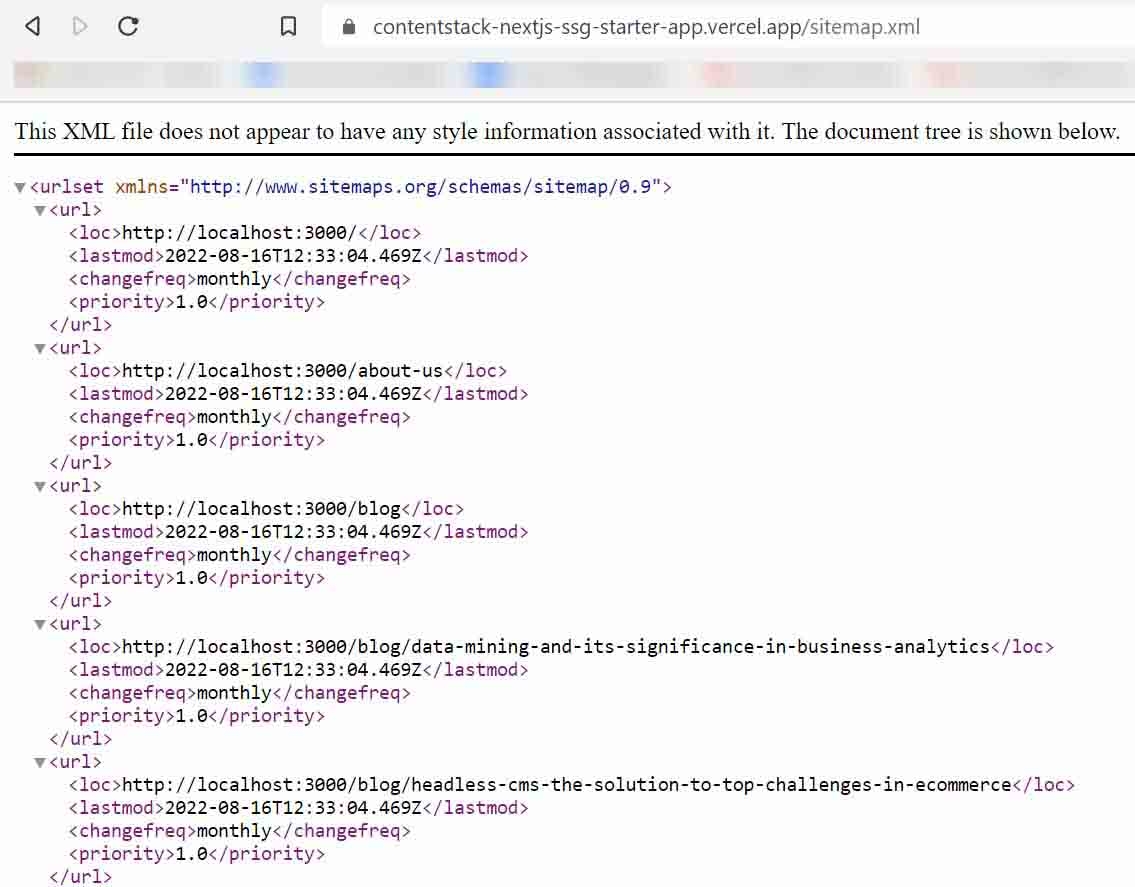
- To view the sitemap of the NextJS website, add /sitemap.xml as a suffix to the NextJS website URL.
Was this article helpful?
More articles
