

About UI Locations
An application is a container of one or more UI locations that allow you to extend the Contentstack platform to facilitate integrations, add new functionality, and customize the platform experience
You can use different locations within a single app to build an immersive experience that integrates third-party applications or introduces custom functionality and workflows for users.
After you create an app, you can distribute it as a single application based on the app's use case.
The Contentstack App Framework currently supports the following UI locations:
- App Config Location
- Asset Sidebar Location
- Custom Field Location
- Content Type Sidebar Location
- Stack Dashboard Location
- Entry Sidebar Location
- Field Modifier Location
- Full Page Location
- Global Full Page Location
- RTE Location
Apps Permissions
To add the apps permissions In the UI Locations tab, follow these steps:
- Log in to your Contentstack account.
- On the Dashboard page, click the Developer Hub icon.
- Select the application for which you want to add the permissions or click the + New App button to create a new application.
- Click the UI Locations tab.
- Go to the Permissions section in the UI Locations tab.
- Select all the permissions you wish to add.
Note: By default, no permissions are selected.
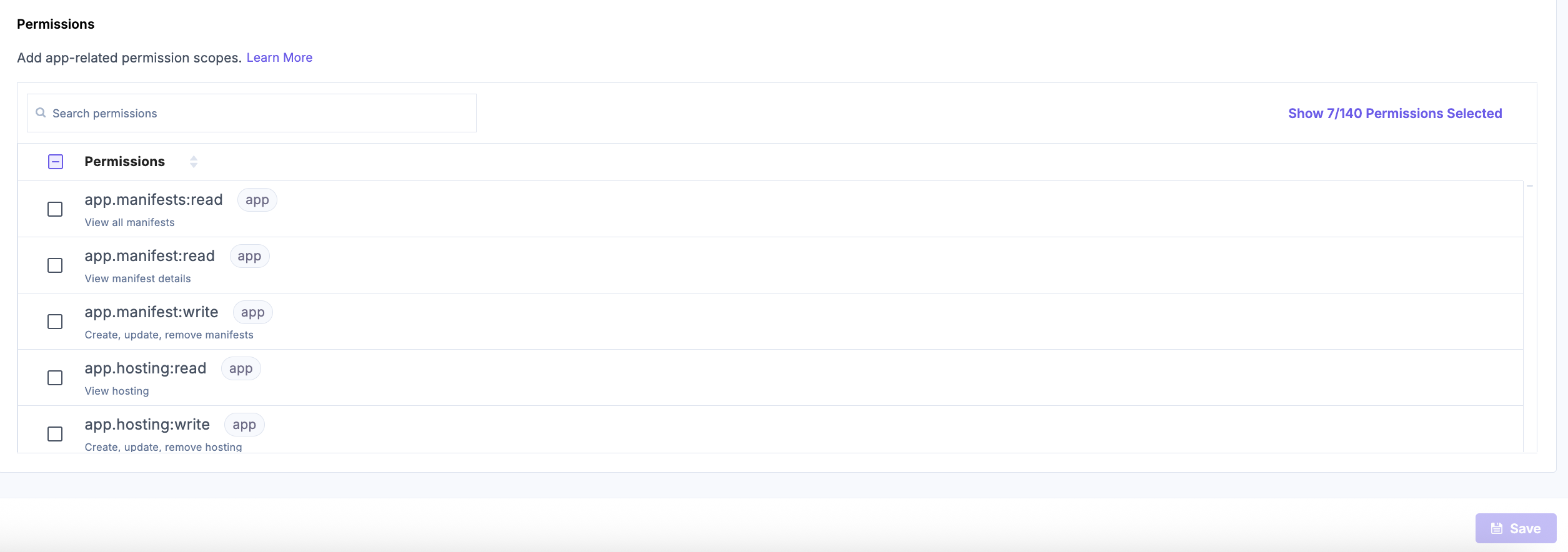
- Once you have selected the desired permissions, click the Save button.
Additional Resource: Refer to the OAuth Scopes document to learn more about the app and user token scopes.
More articles in "Managing UI Locations"
